What’s the Problem?
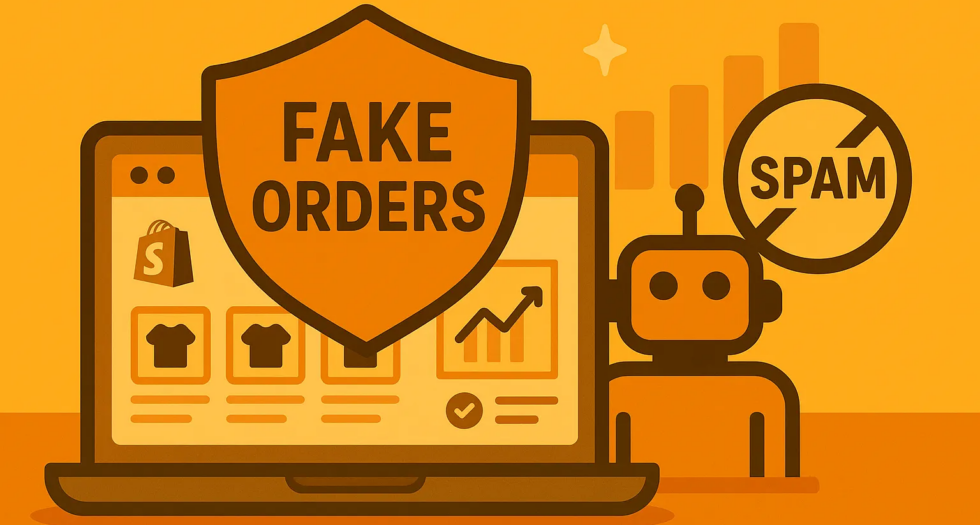
Recently, many Shopify merchants have been targeted by fake order attacks. These are not real purchases instead, bots or malicious users:
Damage your ad performance by corrupting pixel data
Create $0 orders using free add-on products
Mess up your stock levels and analytics
Real Complaints from Shopify Community
- “I keep getting fake $0 orders. It’s messing up my reports.”
- “A competitor is sending fake orders to ruin my pixel data.”
- “Bots are reserving my inventory and confusing my stock.”
What Can You Do?
1. Use Cart Protection
Prevent bots from placing orders with $0 products or set a minimum cart value to block invalid checkouts.
2. Block Suspicious Orders with Fraud Filter
Use Shopify’s Fraud Filter app to automatically block specific emails, names, or IP addresses that look suspicious.
3. Manually Approve High-Risk Orders
Instead of auto-fulfilling every order, manually check ones that look suspicious before charging payment.
Clean Up Fake Orders in Bulk
Del — Bulk Manage Orders
This helpful app allows you to:
- Filter and delete fake orders in bulk
- Automatically detect suspicious patterns
- Clean your store daily to keep things tidy
Quick Action Steps:
- Go to Online Store → Preferences and enable spam protection
- Use an app like Cart Lock to stop $0 orders
- Block common spam emails or IPs using Fraud Filter
- Use Del — Bulk Manage Orders to remove fake orders quickly
Final Thoughts
Fake orders aren’t just annoying they can distort your reports, hurt your ads, and confuse your inventory.
With a few simple tools and actions, you can stay protected and focus on serving your real customers.