Why this matters
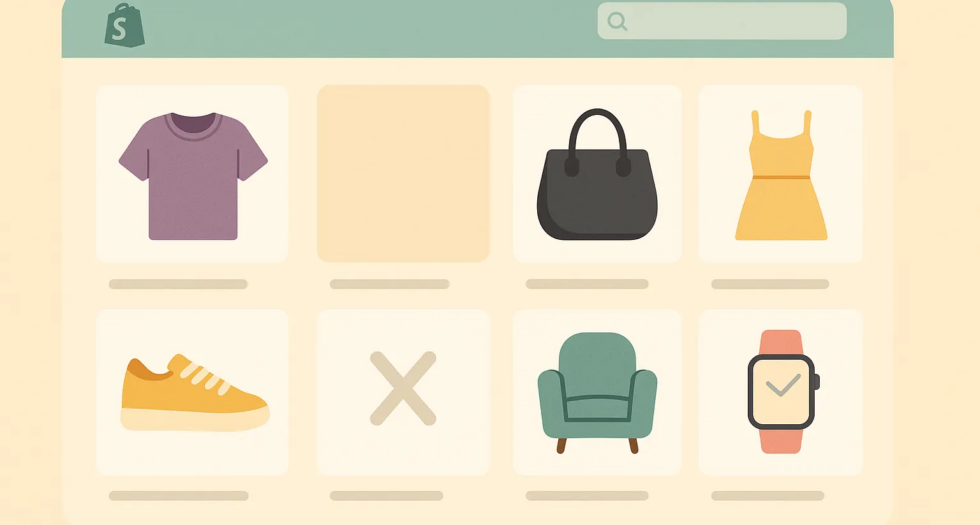
In e-commerce, visuals are everything. When customers browse a collection page, an empty product image or a missing variant photo can instantly reduce trust and create friction. A store that looks incomplete feels less professional and that’s something we all want to avoid.
What we built
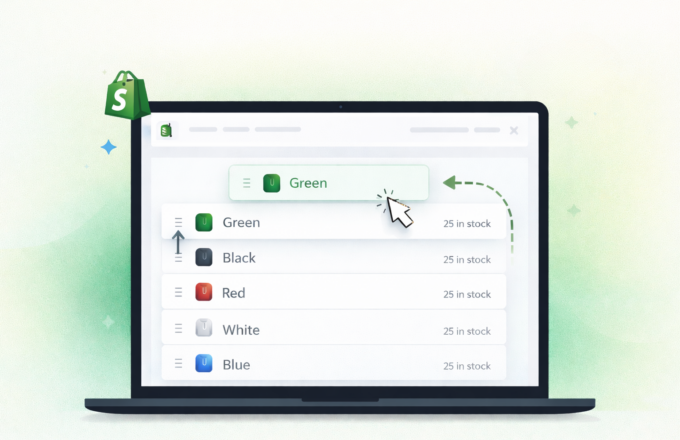
With our latest update on Stamp — Variants on Collection, you can now automatically hide products or variants that don’t have images. This feature was one of the most requested by our merchants, and we’re excited to finally bring it to life.
nstead of showing empty placeholders or broken visuals, Stamp ensures that only complete, ready-to-shop products appear on your collection and home pages.
How it helps
- Cleaner storefronts: Your collections look more polished and professional.
- Better UX: Customers browse without confusion, only seeing fully ready items.
- Higher trust: No more “out of place” products without visuals.
Example in action
Imagine you’re selling jewelry with multiple variants Gold, Silver, and Rose Gold. If the “Rose Gold” variant doesn’t have an image yet, you can simply hide it until you’re ready. This way, customers only see the polished variants, and your store maintains a consistent look.
Built from your feedback
This update is another step in our ongoing mission: building features that make merchants’ lives easier while improving the shopping experience for customers. We listen closely to feedback, and this one came directly from merchants who wanted cleaner, more flexible collections.
What’s next
We’re continuing to invest in features that give you more control, better customization, and smoother UX. Stay tuned there’s much more to come.