Four new ways to make your collection pages work harder
Collection pages are where most of your shoppers decide what to click, compare and buy. With this update, Stamp gives you more control over how those pages look and behave, so customers find the right product faster and reach checkout with less friction.
Here is everything that is new.
Four new sections
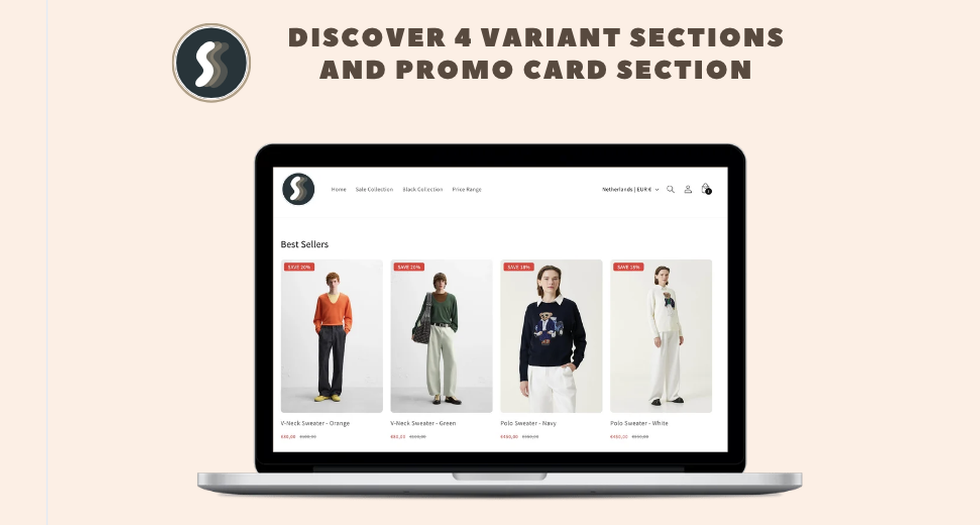
You now have four additional sections to build richer, more flexible collection layouts. Each one is designed to highlight the products and information that matter most, without touching your theme code. Mix and match them to fit the way your store sells, whether you lead with bestsellers, seasonal picks or curated groups.
The new sections slot into your existing setup and keep the same fast, native feel shoppers already expect from your collection pages.
Promo card
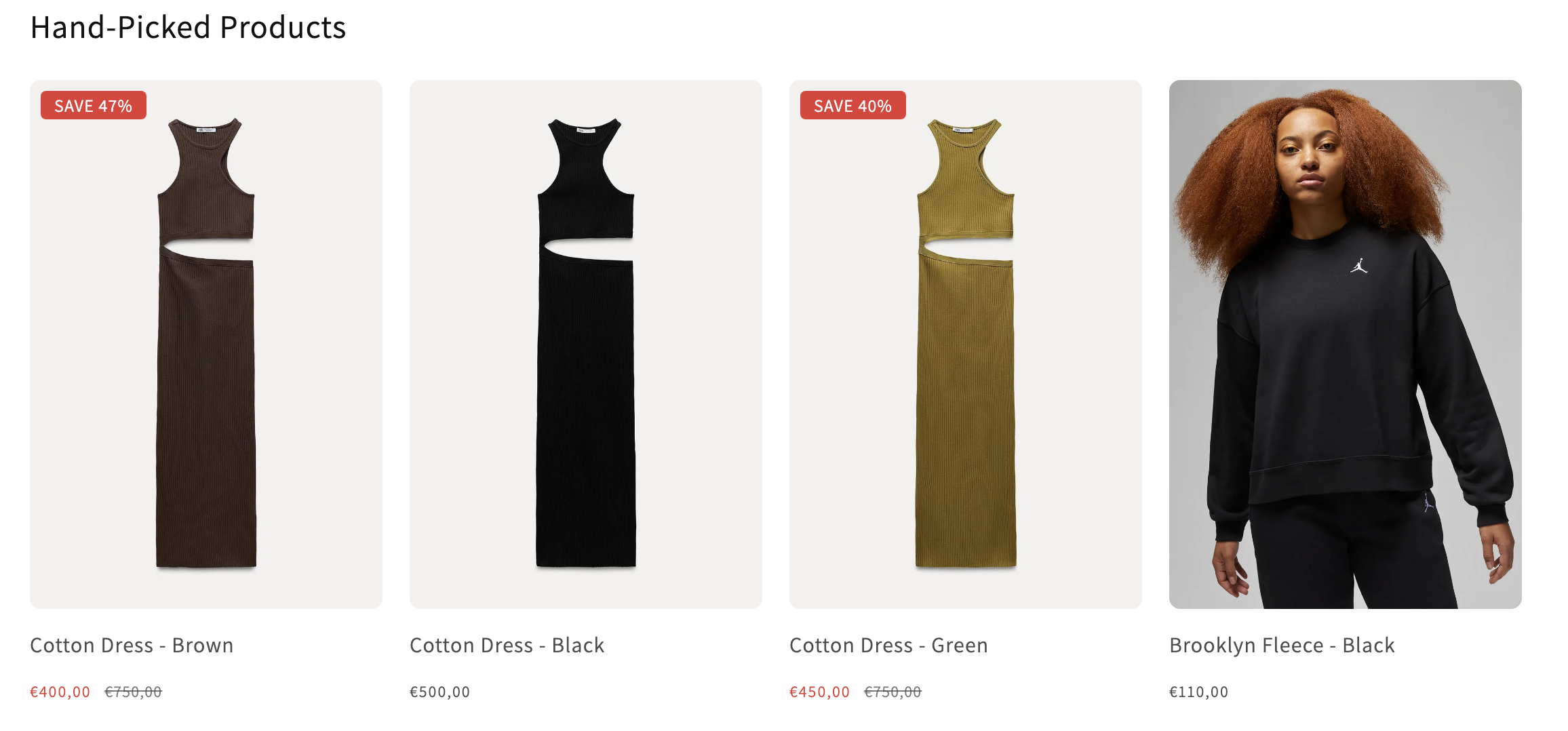
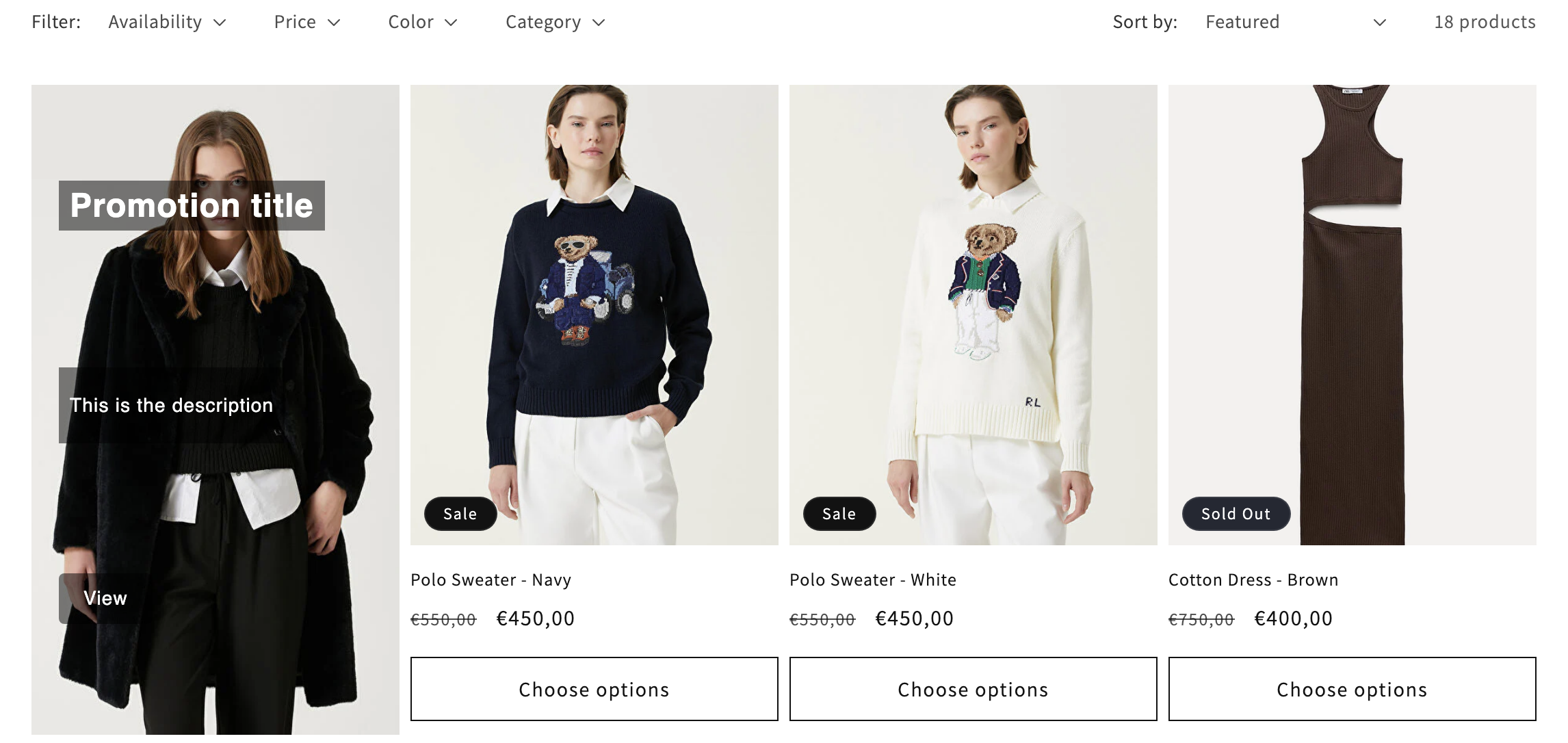
The new promo card lets you place a custom message right inside your product grid. Use it to announce a sale, push a featured collection, highlight free shipping or guide shoppers toward a specific action.
Because it sits alongside your products instead of above or below the grid, it catches attention exactly where buying decisions happen. You control the message, so it stays on brand and on strategy.
Scroll to top
Long collection pages are great for discovery, but they can leave shoppers stranded at the bottom. The new scroll to top button gives them a one tap way back to the start of the page.
It is a small touch that makes browsing feel smoother, especially on mobile where most of your traffic lives. Less scrolling friction means shoppers stay longer and explore more of your catalog.
Smarter sorting with two new controls
Sorting is one of the most powerful levers on a collection page, and this update adds two controls that put your best products in front of shoppers automatically.
Push new products to the top
Fresh inventory deserves attention. With this option, your newest products move to the front of the collection so shoppers see what just arrived before anything else. It keeps your store feeling current and gives new launches the visibility they need to sell.
Push out of stock products down
Nothing kills momentum like clicking a product that is sold out. This control automatically pushes out of stock items toward the bottom of the page, so available products lead the way. Shoppers spend their time on things they can actually buy, which means fewer dead ends and more conversions.
Ready to try the new features
All of these updates are live now and ready to use inside Stamp – Show variants & Color swatch. Open your app settings, explore the new sections and sorting controls, and shape your collection pages around the products you most want to sell.
If you are not using Stamp yet, this is a great moment to see what variant rich, high converting collection pages can do for your store.